Stay on script during every call, demo, and recordings
 recordings
PromptMe is a notch-first macOS teleprompter with smooth auto-scroll,
hover pause, and fast script import for confident speaking.

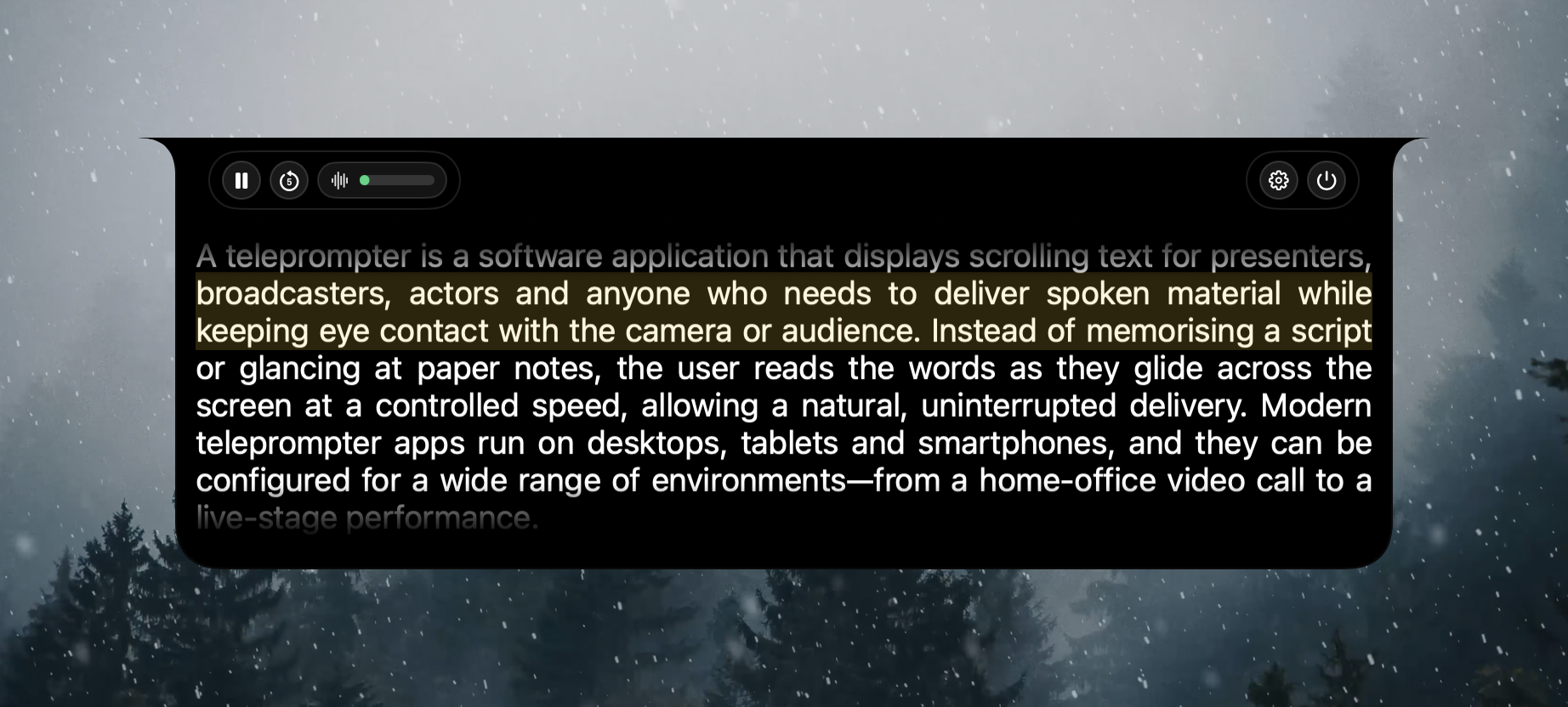

Notch-first overlay controls
Keep your script anchored at the top with pause, rewind, countdown, and speed controls that stay out of the way.

Smooth auto-scroll pacing
Run continuous scroll, stop at end, or loop forever. Hover-to-pause lets you pause naturally without losing your place.

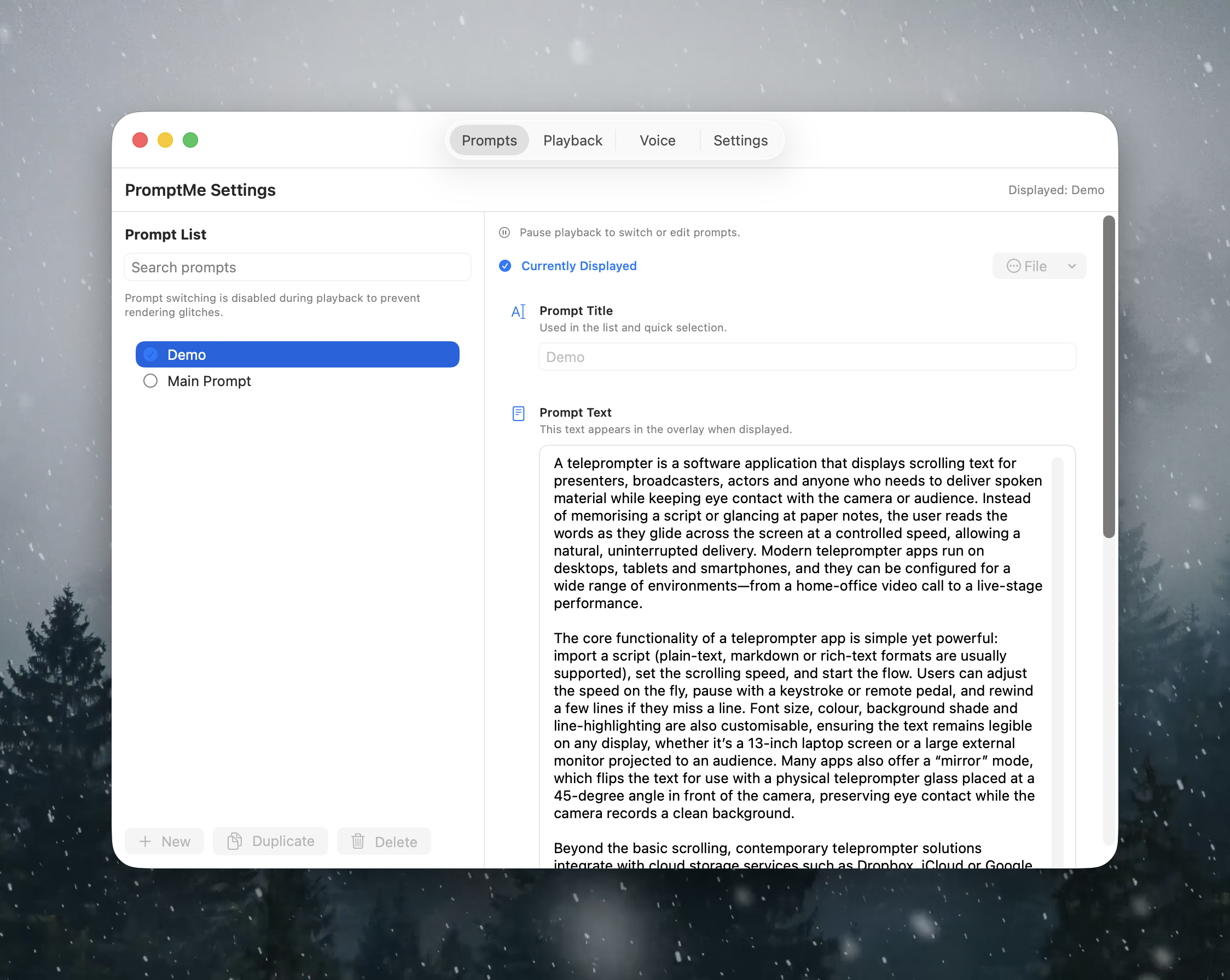
Import and edit scripts fast
Import txt, md, rtf, docx, odt, and pdf files, then tune your script in settings before every live session.
Built for real presentation pressure
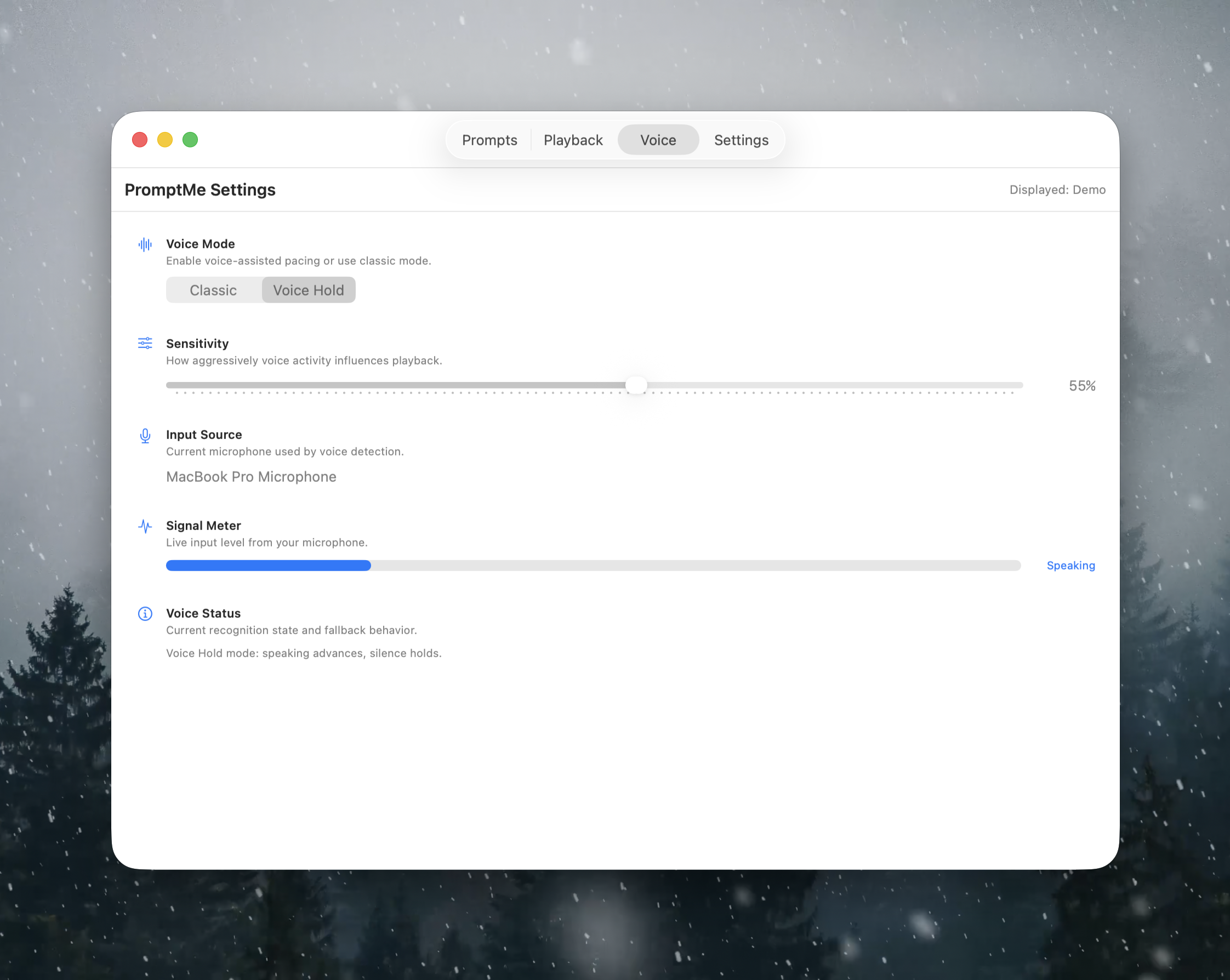
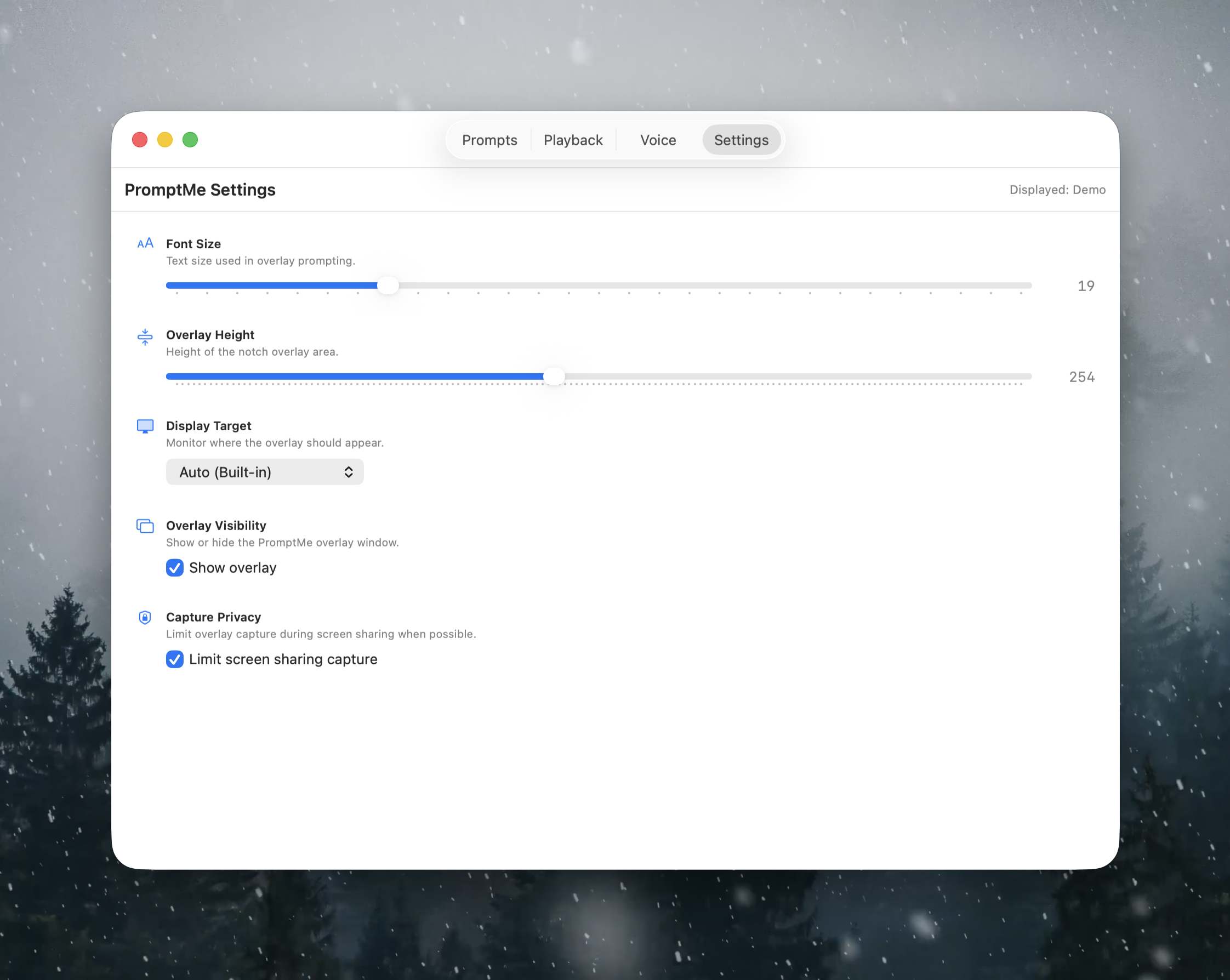
Use countdown starts, jump-back controls, privacy-safe sharing, and multi-display targeting so your prompt behaves predictably during live calls.

Hover-to-pause is the killer detail. When questions interrupt me, I stop naturally and continue exactly where I left off.
Fits the workflows creators and teams actually use
From solo recordings to enterprise demos, PromptMe is built to work with your tools and your speaking style.
Best for
- Product demos
- Webinar hosting
- Tutorial videos
- Investor updates
- Sales walkthroughs
- Interview prep
- Team standups
- Live coding sessions
Works alongside
- Zoom
- Google Meet
- Microsoft Teams
- OBS Studio
- ScreenFlow
- Loom
- Keynote
- PowerPoint
Set up PromptMe in under five minutes
Install, paste your script, choose a target display, and start reading with confidence. No account or cloud sync required.
Install and launch from menu bar
PromptMe runs as a focused menu bar utility and keeps the Dock hidden so your desktop remains clean.
Import or write your script
Bring in common document formats or write directly in settings to prep your speaking notes quickly.
Pick display and begin scrolling
Choose the active monitor, set pace, and optionally start with countdown so delivery feels natural.